
The remote control software is an iPad app, but downloaded from the server PC rather than Apple's App Store. When the app is loaded it establishes a communication channel with the server PC. It gets information from the server PC for display on the screen, and sends the user's commands to the server PC.
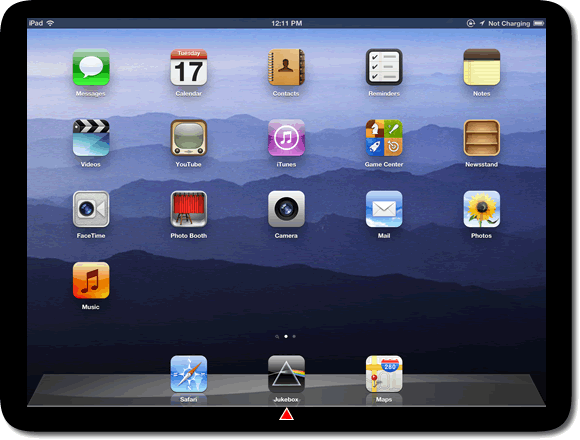
When I suspend the Jukebox app by launching a different iPad app, the server PC is unaffected and continues to play the music. If I subsequently reactivate the Jukebox app it communicates with the server and displays the current status of the Jukebox.
If you're not interested in the technical details of how the remote control page works, skip straight to the next page now.
The jukebox remote control is actually a web page (remote.php) which uses HTML, CSS, PHP, and JavaScript. There are approaching 3000 lines of my own code, plus the jQuery library for DOM manipulation etc.
The CSS makes use of CSS3 styling, including animation.
The JavaScript uses Ajax technology to load information pages from the server when required.
The JavaScript maintains synchronisation with the server using the Long Polling style of pseudo-push technology, in conjunction with Ajax. When a player-related event occurs on the server (track change, etc), the server initiates a sync immediately. Otherwise a sync occurs every few minutes, to forestall browser time-outs.
The web page is actually an iOS Web App, containing special directives to make it act like a native iOS app:
The above directives are largely ineffective when the page is loaded into Safari in the usual way. A home screen icon must be created for the page. The page behaves like a native app only when launched using the home screen icon.
